


Write an image prompt
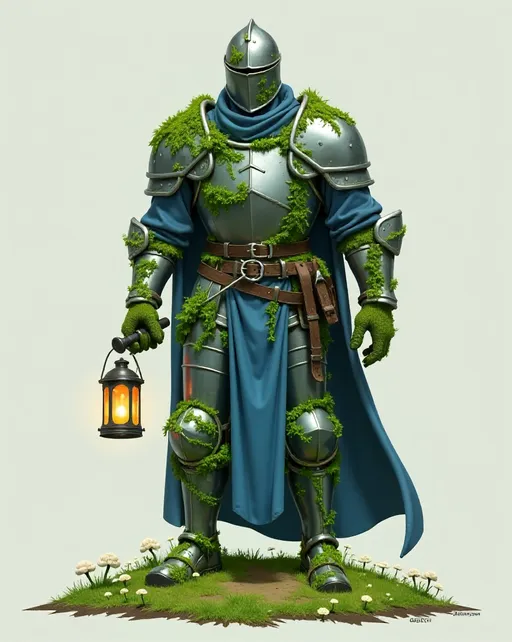
Name the subject, the place and the light: “an old knight overgrown with moss, lantern in hand”.
Describe your pictureAn ancient knight overgrown with moss and tiny mushrooms, a lantern in one hand
10 open models · 12 art styles
This free AI art generator turns one sentence into a painting, poster or anime still. Or attach a picture and say what to change, with Flux, HiDream, Qwen and more.


Name the subject, the place and the light: “an old knight overgrown with moss, lantern in hand”.
Anime, oil paint, watercolor, poster or eight others, each tuned with its own words.
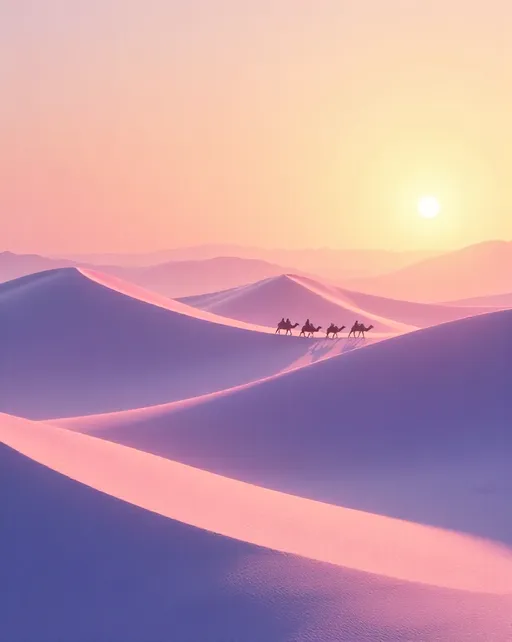
A full-size 816 by 1024 JPG with no watermark, yours to print, post or use in your work.
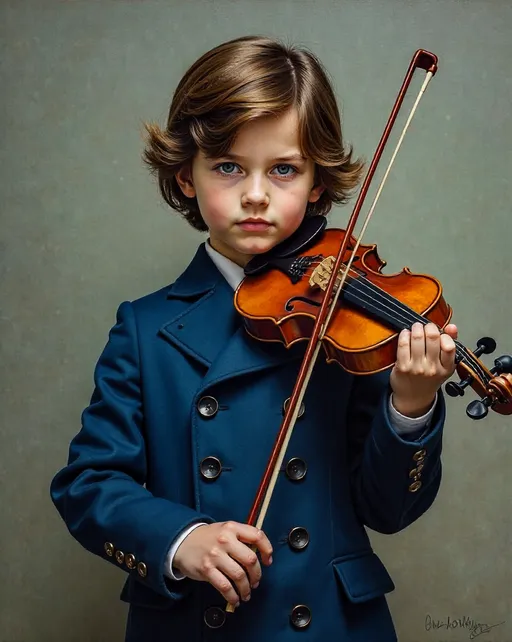
No brushes, no software to learn and no watermark on what you download.
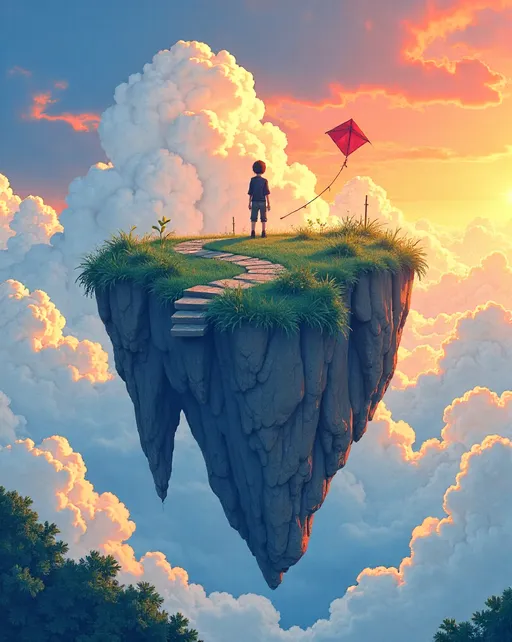
A small green island floating above a sea of summer clouds, a white windmill and a winding stone path, a boy flying a red kite, hand-painted anime background art, vivid cumulus, bright afternoon light
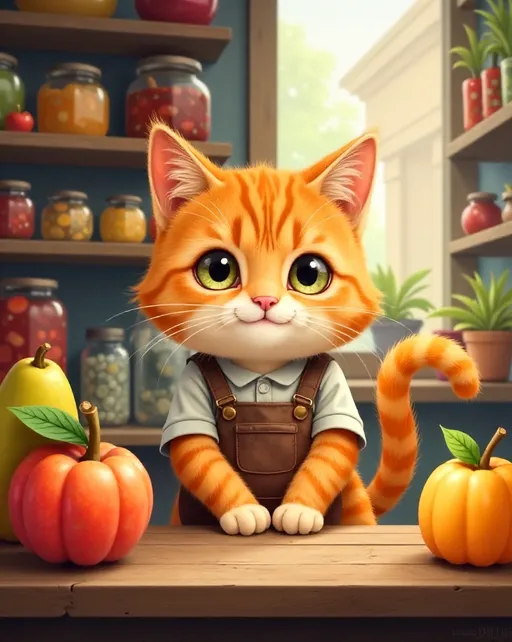
A cheerful cartoon of a ginger cat running a tiny corner shop, shelves of jars and fruit, warm afternoon sun through the window, thick clean outlines, flat bright colors, children's book style
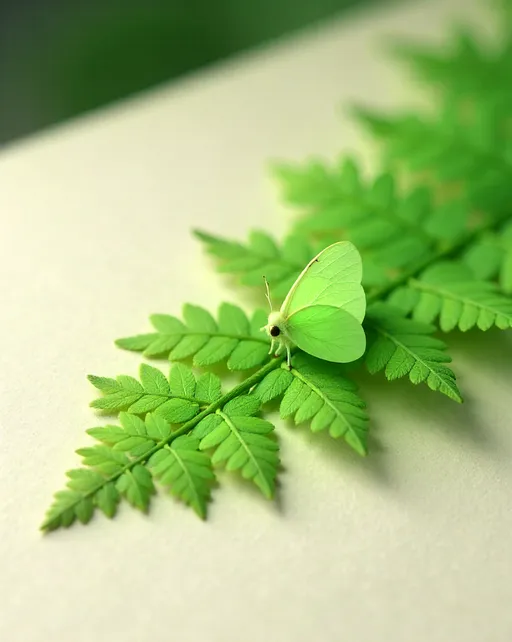
A botanical study of a curling fern frond and a pale green luna moth, delicate watercolor and graphite on cream paper, precise linework, soft washes, generous empty space
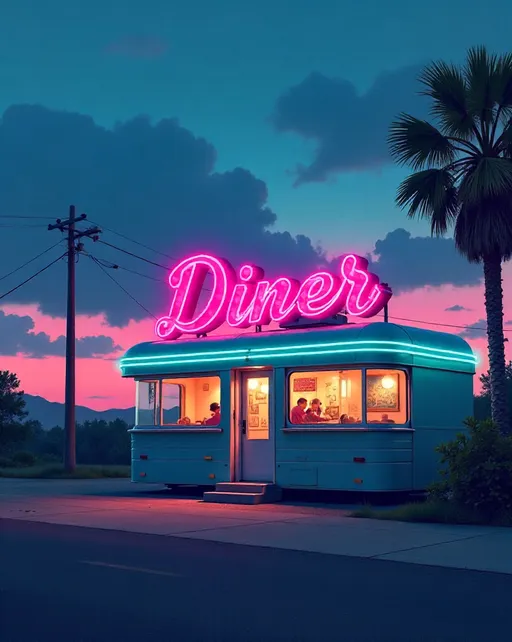
A lonely roadside diner in the desert at twilight glowing with pink and teal neon tube lights shaped like palm leaves, a vintage car parked in front, purple sky, synthwave palette, cinematic photograph, square album cover composition
Attach a photo, a sketch or one of your images, say what to change, and Flux Kontext redraws it while keeping faces and layout.
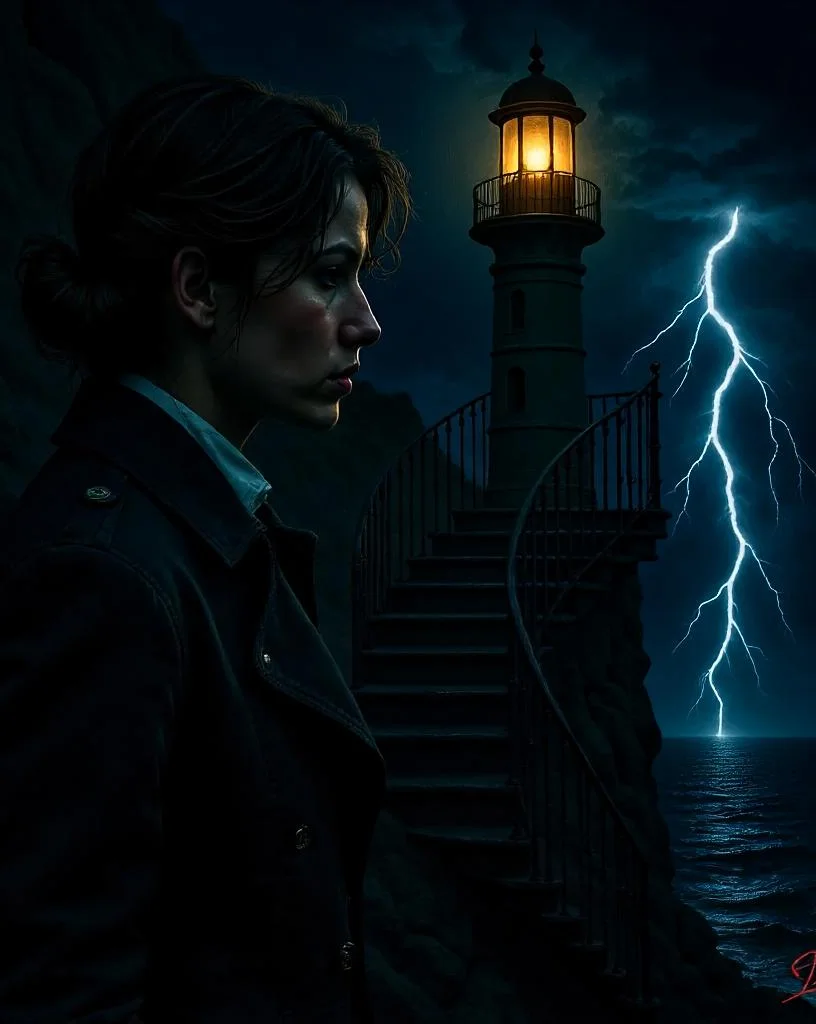
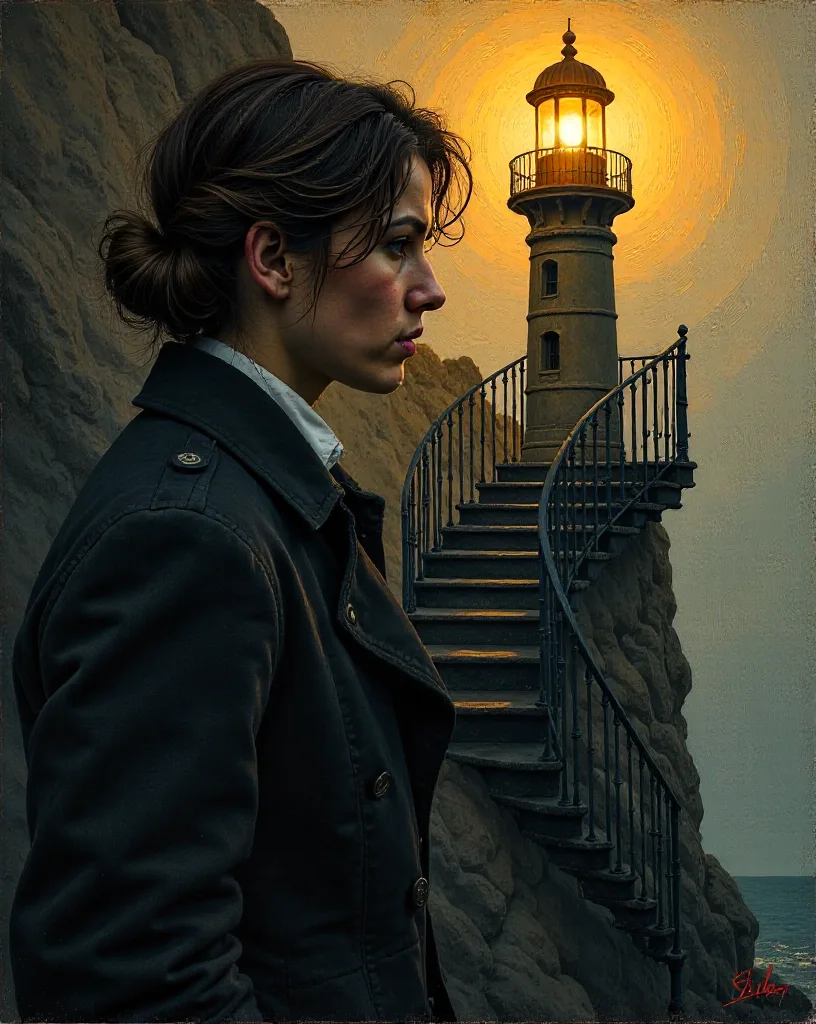
“Change the time to a stormy night with lightning over the sea, keep the same woman and the lighthouse”
An AI art generator is a tool that turns a written description into a picture. You type a prompt such as “a lighthouse at dusk, oil painting”, and an image model trained on millions of pictures paints a new, original image to match it in seconds.
It uses a diffusion model. The model starts from random noise and removes it step by step, steering each step toward your words, until a finished image is left. Styles, lighting and the model you pick change the result.
Yes. Sign in with Google or your email and make images at no cost, with no card. Free accounts have a limit that refreshes every 24 hours.
Yes, a free one. Sign in with Google or get a link by email, so there is no password to remember. Your prompt waits for you while you sign in.
Yes, in personal and commercial work, as long as the prompt does not copy a trademark, a protected character or a real person without consent.
Ten open models: HiDream O1, Flux Dev, Flux Klein, Flux 3 Klein, Z Image Turbo, Qwen Image 2.1, AlbedoBase XL and RealVis XL for new images, plus Flux Kontext and Qwen Image Edit for changing a picture.
Yes. Attach a JPG, PNG or WebP up to 10 MB in the prompt bar, say what to change, and choose how much. Flux Kontext keeps faces and layout while it restyles or edits the picture.
In the United States, art made entirely by AI cannot be registered, because the law requires a human author. Work you change or arrange yourself can be.
Name the subject, the place, the light and the medium: “a fox in deep snow at dawn, watercolor on rough paper”. The prompt library has 36 to copy.
Nudity, gore and harmful pictures of real people. A safety checker reviews every image, and a refused prompt does not use up a free image.